The guides collected here will help you with various software questions.

Once you have processed some domain names and got new e-mail addresses you need save them. Atomic Whois Explorer provides you four different ways:
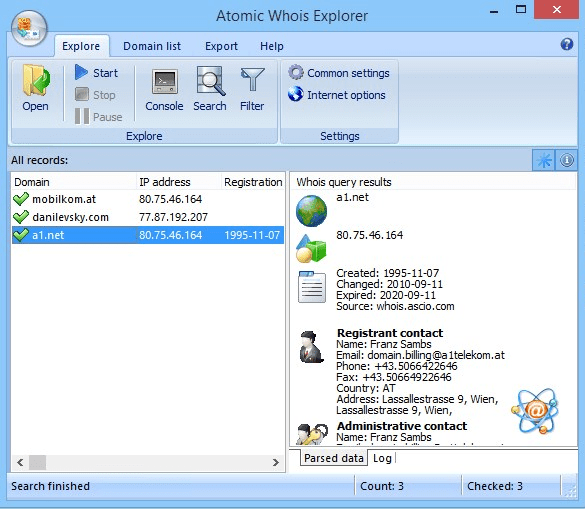
To save the addresses, choose menu item Results and then click on any submenu item. Exporting to MS Word/Excel is a very simple operation, just choose this menu item and all listed e-mail addresses will be automatically transferred to the desired Office application. When copying to Clipboard, all listed e-mail addresses will be copied to the Clipboard buffer so that you will able to paste them to anywhere.
- Results
- Save to file
opens a new window where you may select some custom options.
In this window you may enter a file name to save found email addresses to. In addition, resulting file may contain domain names and expiration dates. All this is selected in “Data to save” group box. Include header option let you choose whether the file will contain a header description data saved or not (the header is a one line at the top of the file). If Quote fields is checked, then all data (domain name, email addresses and expiration dates) will be saved with quote marks.
Note: unregistered trial version does not allow the user to save the results!
Back














