The guides collected here will help you with various software questions.

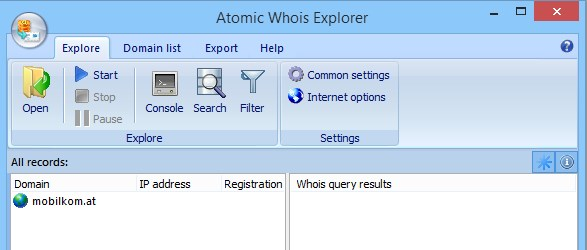
Atomic Whois Explorer requires you to load a list of domain names, before starting data gathering. To create a new list, choose menu item
- File
- Open
to load or import the exisintg list or
- Edit
- Paste
paste the list from the Windows Clipboard. The program can also parse the links and e-mail addresses and extarct the domain names from them.
When the list is laoded youcan edit it using right-button mouse pop-up menu. There are some editing commands there.
Click a toolbar button or choose menu item
- Explore
- Start
to start data extraction.
Back














